
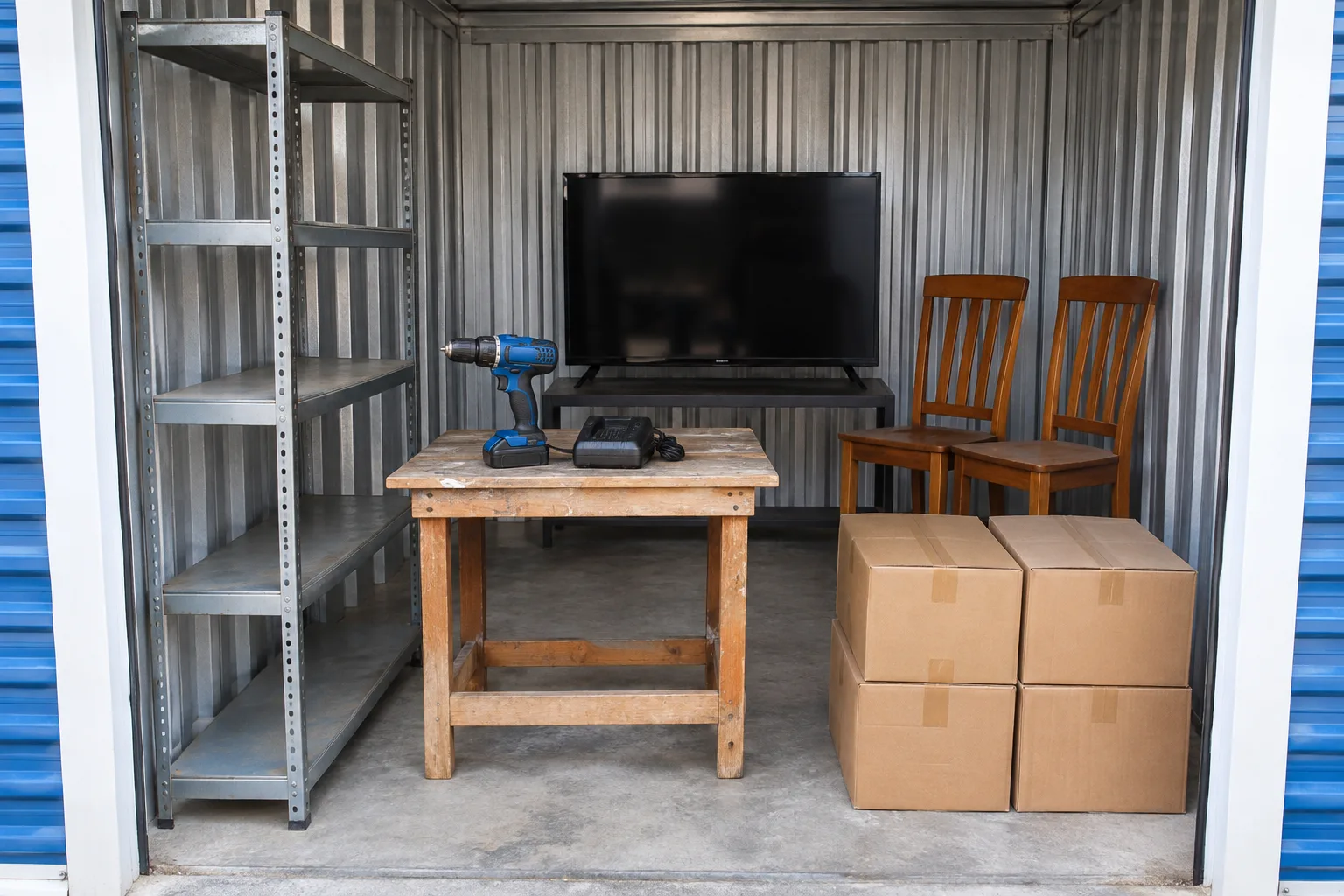
From listing photos to a working inventory
A scan turns the photo set into named visible items, estimated second-hand values and risk flags. Check the report against the original views: similar objects can be misidentified, and the same item can appear in several photos.
A useful inventory separates a clear identification from a possible brand, an untested appliance or a shape behind other goods. Hidden contents are uncertainty, not assumed resale proceeds.
Use the scanner where you browse
- Install the desktop extension and sign in with Google.
- Open an individual listing on a supported auction site.
- Choose LockerLens · Scan this auction when the photos are readable.
- Compare the named goods and risks with the original listing, then set your own ceiling.
Readable photos matter more than a full-looking unit
- Use wide views to understand layout, then close-ups to check valuable items.
- Treat missing model numbers, unreadable labels and dark corners as unresolved.
- Check for missing accessories, damage, bulky low-value goods and transport work.
- Do not infer tested working condition from a clean appearance.
A scan is a review aid
The scanner cannot inspect the unit in person, open boxes, test electronics or confirm authenticity. A result can contain errors. Review the highest-value assumptions before making any decision.
LockerLens does not place bids. It supports readable listings on StorageTreasures, Lockerfox, StorageAuctions.com, StorageAuctions.net and Bid13. A changed page layout or inaccessible image set may prevent analysis.
Common questions
Can I try a scan without paying? Yes. New accounts receive 10 free locker scans without a card.
Can it value the contents of closed boxes? It cannot verify hidden contents. Keep unknown contents out of assumed resale proceeds and allow for the resulting risk.